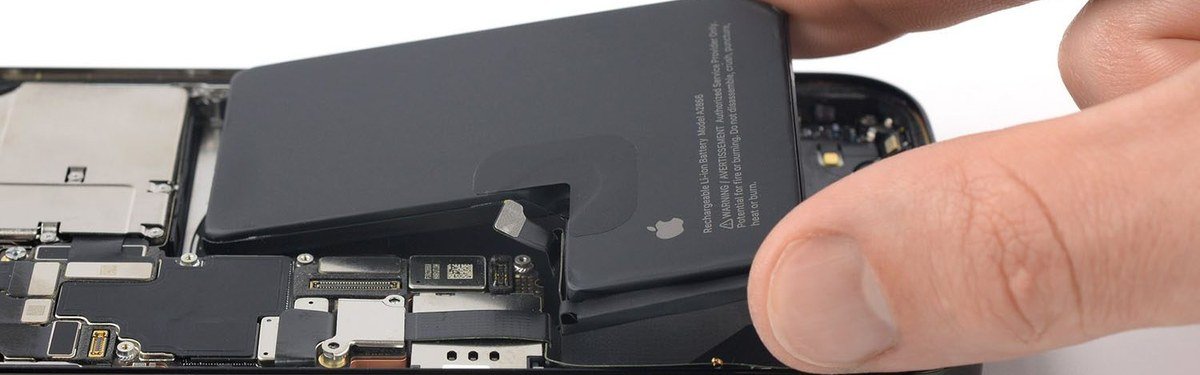
Battery
How to Know When to Replace Your Phone Battery
Is your phone dying halfway through the day? Here are the telltale signs your battery is failing — and what to do about it.
Is your phone dying halfway through the day? Here are the telltale signs your battery is failing — and what to do about it.
Phone batteries are consumables. Like the tires on your car or the filter in your furnace, they wear out over time — and when they do, your whole phone suffers. The problem is that battery degradation happens so gradually that most people don't notice until their phone is dying at noon or shutting off unexpectedly at 30%.
Good to know: Lithium-ion batteries — the kind in every smartphone — are designed to retain about 80% of their original capacity after 500 full charge cycles. For most people that's 1.5 to 2 years of daily use.
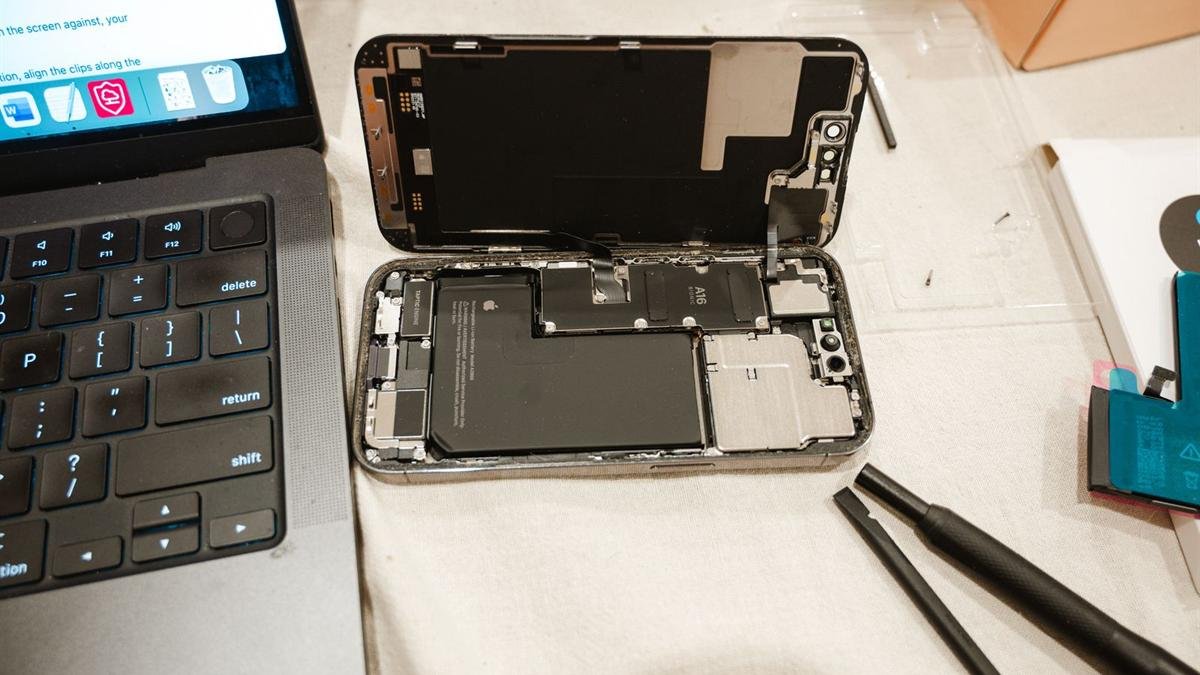
Go to Settings → Battery → Battery Health & Charging. You'll see a percentage — this is your battery's maximum capacity relative to when it was new. Apple considers anything below 80% to be in need of service.
If you see a message saying "Your battery's health is significantly degraded" — that's Apple telling you it's time.
Samsung has a built-in battery diagnostic: open the Phone app and dial *#0228#. This opens a battery status screen showing voltage and temperature. For a detailed health percentage, download AccuBattery from the Play Store — it tracks your battery's capacity over time and gives you an accurate health reading.
Tip: Check your battery health before buying a used phone. A used iPhone with 78% battery health sounds like a deal — but you're already overdue for a replacement before you've even started using it.
Under normal use — checking social media, messaging, some calls, occasional video — a phone battery should comfortably last 2 to 3 years before dropping below 80% capacity. Heavy users (lots of video, gaming, GPS navigation) will see degradation faster. Light users can sometimes get 4+ years out of a battery.
Factors that accelerate battery degradation include: charging to 100% and keeping it there, letting it drain to 0% regularly, exposure to heat, and using cheap third-party chargers.
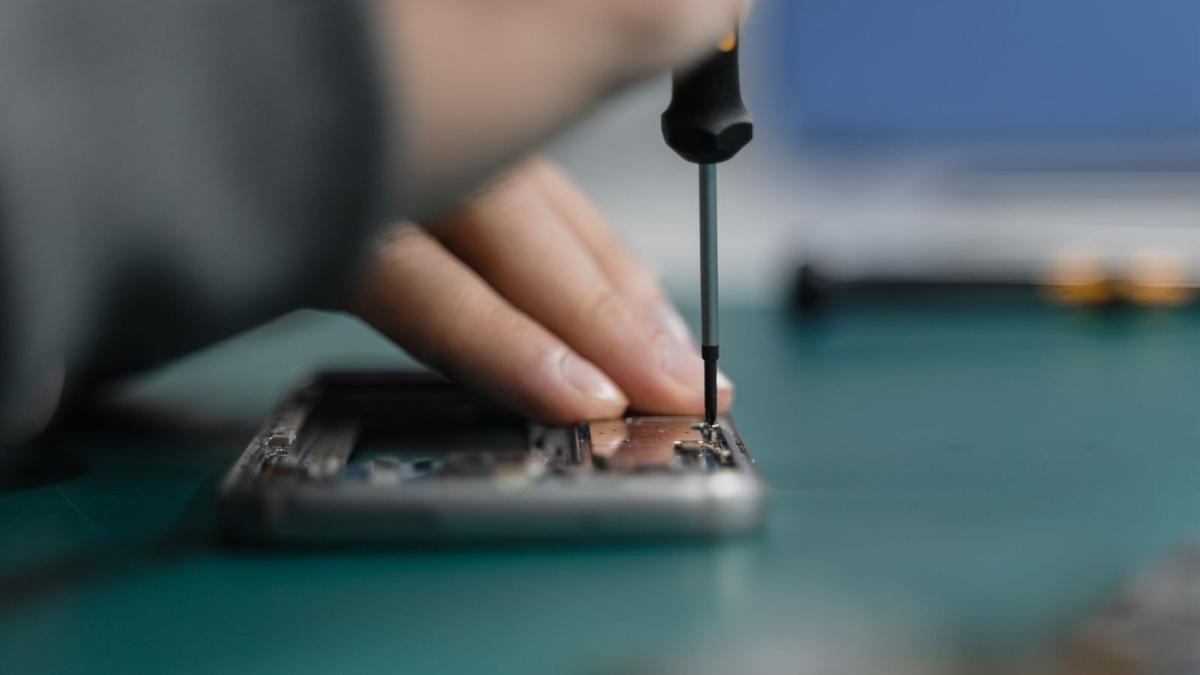
At Empire Wireless Mobile, battery replacements start at $49 for most iPhone and Samsung models. The repair takes 30 minutes and we use genuine OEM parts backed by our lifetime guarantee.
A new flagship phone costs well over $1,000, so a battery replacement is almost always the better deal if the rest of your phone is in good shape.
Walk in or book online — most battery replacements are done in 30 minutes. We offer a free diagnostic so you know exactly what you're dealing with before we start.
If your phone is more than 2 years old and you're noticing any of the signs above — shorter battery life, unexpected shutdowns, sluggish performance — there's a very good chance a battery replacement will fix all of it for a fraction of the cost of a new phone.
We've replaced thousands of batteries at our Danforth Ave shop, and the thing we hear most is that the phone feels new again.
Come see us at 876 Danforth Ave, Toronto — walk-ins welcome Monday to Friday 12–7pm, Saturday 12–5pm.