
Charging
Is Fast Charging Bad for Your Phone Battery?
The science behind fast charging, the myths, and the charging habits that will genuinely extend your battery's life.
The science behind fast charging, the myths, and the charging habits that will genuinely extend your battery's life.
Fast charging has gone from a premium feature to a standard one in just a few years. Modern phones can charge from 0 to 50% in under 20 minutes. But with that convenience comes a question we hear constantly at our shop: is fast charging slowly killing my battery?
The answer is somewhere in between.
All phone batteries are lithium-ion. They charge in two phases: a fast "constant current" phase where power is pushed in quickly, and a slower "constant voltage" phase in the last 20% or so where the charger tapers down to avoid overloading the cells.
Fast charging works by increasing the wattage (power) delivered during that first phase. A standard 5W charger might take 2+ hours for a full charge. A 45W fast charger can do it in under an hour.
The trade-off is heat. Higher wattage means more heat generated in the battery cells — and heat is the number one enemy of lithium-ion batteries. This is why fast charging has a real, measurable effect on long-term battery health.
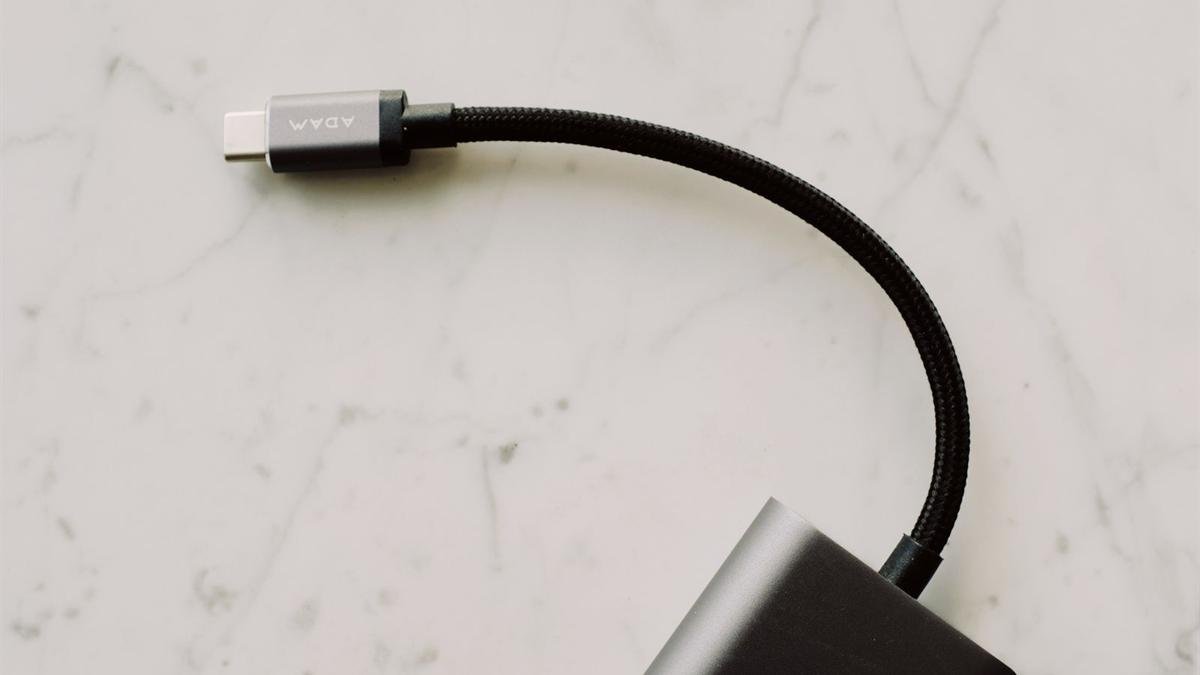
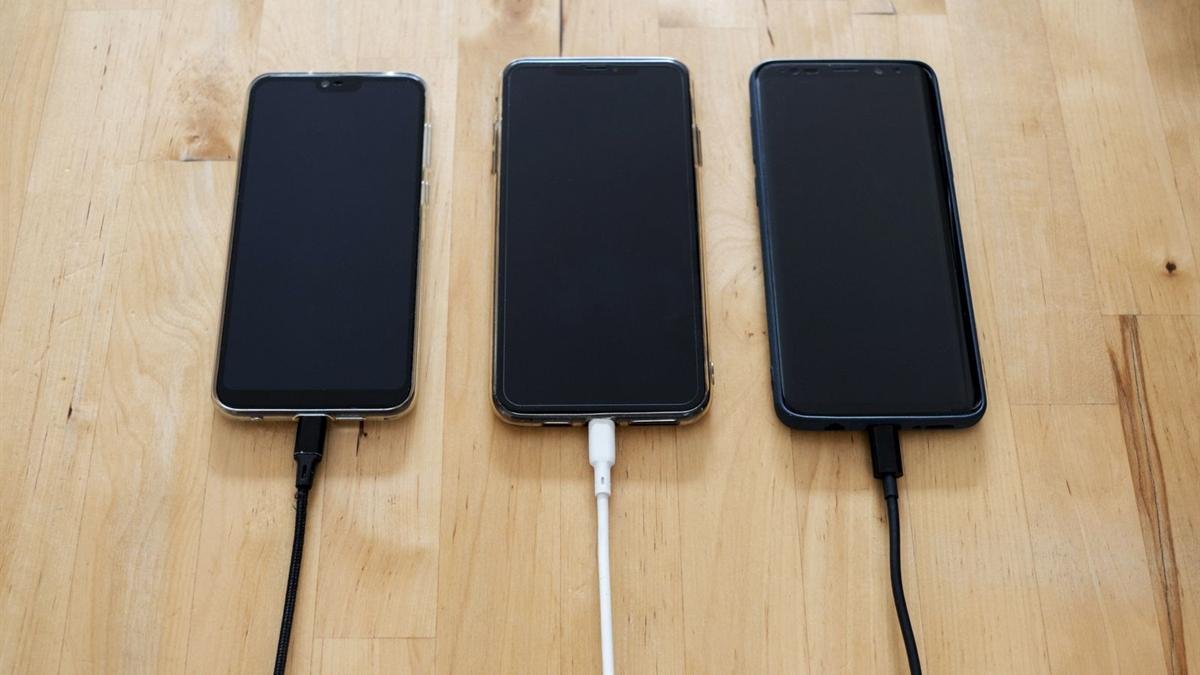
Use it when you need it — that's what it's there for. If you're rushing out the door and need a quick top-up, absolutely use fast charging. The battery degradation over a year of occasional fast charging is marginal.
Where it becomes a problem is if you're always fast charging, in hot environments, while using the phone heavily at the same time. That combination generates a lot of sustained heat and will noticeably accelerate battery ageing.
What we recommend: use fast charging for quick top-ups when you're in a hurry. Use a slower charger (or wireless) for overnight charging when you have time. And enable your phone's built-in battery health features — they're smarter than they get credit for.
iPhone tip: Settings → Battery → Battery Health & Charging → toggle on "Optimised Battery Charging." This feature learns your daily routine and holds the charge at 80% until just before you typically wake up, significantly reducing long-term degradation.
Regardless of your charging habits, all batteries degrade over time. If your iPhone's battery health has dropped below 80%, or your Android phone is struggling to make it through the day, a battery replacement will restore performance to like-new levels.
At Empire Wireless Mobile we replace batteries starting at $49, using genuine OEM parts, in about 30 minutes. It's one of the best-value repairs for a phone you otherwise like.
A battery replacement takes 30 minutes and can make your phone feel brand new. Walk in or book online — no appointment needed.
Fast charging does have a small effect on long-term battery health — but it's not the disaster some articles make it out to be. Use it when you need it, be mindful of heat, and adopt the 20–80% charging habit if you want to squeeze maximum longevity out of your battery.
And when your battery eventually does need replacing — which it will, regardless of your charging habits — come see us at 876 Danforth Ave, Toronto. Monday to Friday 12–7pm, Saturday 12–5pm.