The next 30 minutes are critical. Follow these steps and give your phone the best possible chance of survival.
Empire Wireless Mobile·April 19, 2026·7 min read
Home › Blog › What to Do After Your Phone Gets Wet
It happens in an instant — a slip at the sink, a tumble into the toilet, caught in the rain without a case. Your phone is wet, and your stomach drops. What you do in the next few minutes can be the difference between a fully recovered device and an expensive paperweight.
At Empire Wireless Mobile, water damage is one of the most common repairs we see. We've recovered phones that were submerged for hours — and we've seen phones that were "just splashed" get written off because the owner did the wrong things first.
Time is critical. Water damage causes corrosion that spreads every hour. The sooner you act — and the sooner you bring it in for professional cleaning — the better your chances of full recovery.
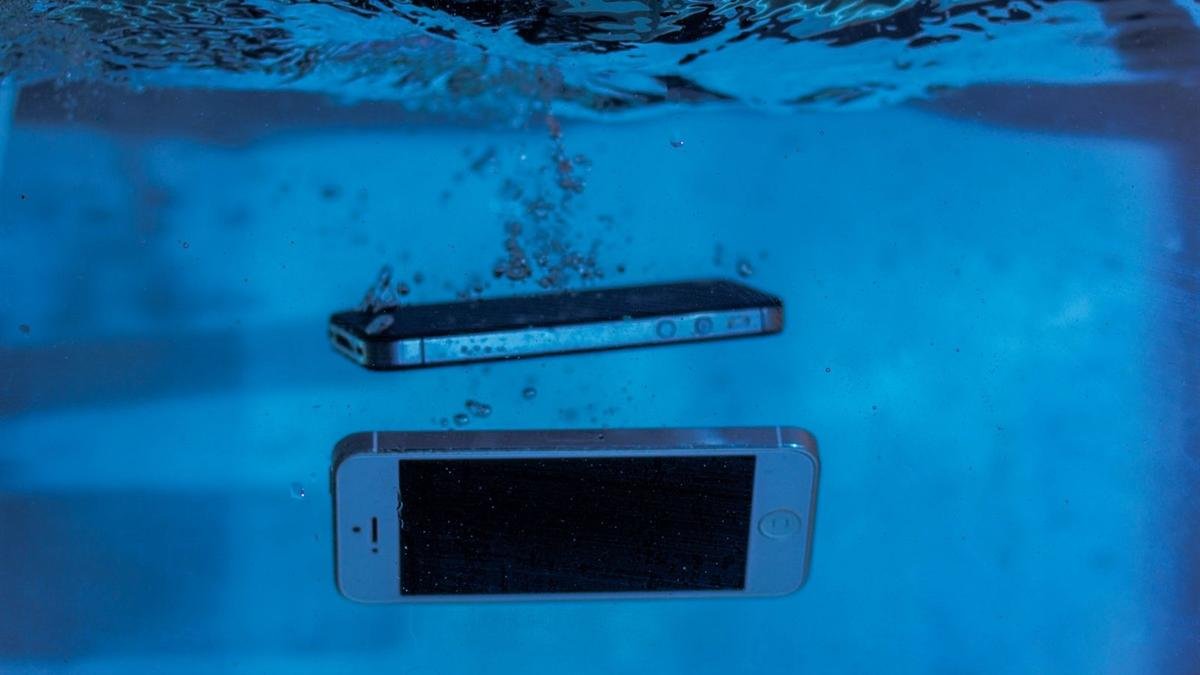
The sooner you act after a dunk, the better the odds. Photo: Sergey Meshkov / Pexels
What to Do Immediately — Step by Step
01
Get it out of the water and power it off immediately
Every second in water makes things worse. Remove it immediately and power it off — even if it seems to be working fine. A phone that's on while wet is far more likely to short-circuit and suffer permanent damage. Hold the power button and slide to power off. Do NOT just lock the screen.
02
Remove the case, SIM card, and any accessories
Pop out the SIM tray and remove your case. Water can pool under cases and around the SIM slot. The more air circulation around the device, the better. If your phone has a removable battery (older Androids), remove it now.
03
Gently shake out excess water and pat dry
Give the phone a gentle shake to dislodge water from the ports. Use a soft lint-free cloth to pat the exterior dry — around the charging port, speaker grilles, and headphone jack. Don't rub aggressively or you may push water further in.
04
Leave it in a dry, ventilated spot
Place it upright or at a slight angle on a dry surface to help water drain out of the ports. A room-temperature, well-ventilated area is ideal. Leave it there while you arrange to bring it in for professional cleaning.
05
Bring it in as soon as possible
Even if the phone "seems fine" after drying, there is almost certainly moisture inside that will cause corrosion over the coming days and weeks. Professional ultrasonic cleaning removes all moisture and corrosion before it can spread. The sooner the better — same day if possible.
What NOT to Do
These are the mistakes we see most often — and they frequently turn a repairable phone into an unrepairable one.
✗
Don't put it in rice
The rice myth is one of the most persistent pieces of bad tech advice on the internet. Rice does not effectively absorb moisture from inside electronics. What it does do is waste precious time while corrosion spreads, and can introduce dust and starch particles into your ports.
✗
Don't use a hair dryer or heat source
Heat accelerates corrosion and can warp components, melt adhesives, and damage the battery. Even a "cool" setting on a hair dryer can push moisture deeper into the device. Room temperature air drying is the only safe approach.
✗
Don't plug it in to charge
Applying power to a wet phone is the fastest way to cause a short circuit and permanent damage. Even if you think it's dry, don't charge it until a technician has confirmed it's clean inside.
✗
Don't press buttons repeatedly
Pressing buttons and swiping the screen can force water deeper into the device through the seals around buttons and the display. Keep interaction to a minimum — just the power off and that's it.
✗
Don't wait and see
This is the biggest mistake. A phone may work perfectly for a day or two after water exposure, then suddenly fail as corrosion reaches a critical component. "It works fine" is not a sign that it's fine internally. Get it professionally cleaned regardless.
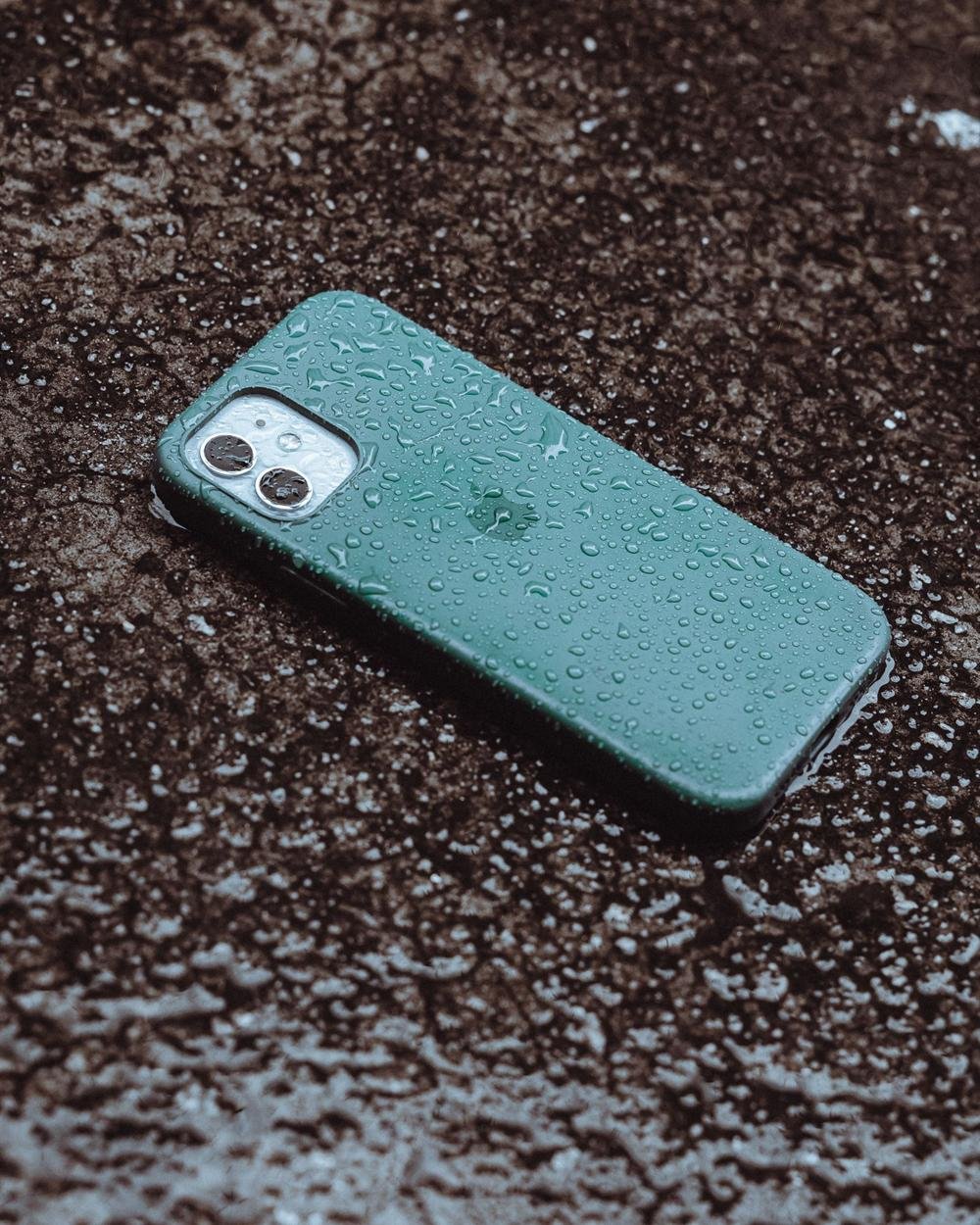
Water resistance helps with rain and splashes, but it isn't permanent or total. Photo: Anderson Martins / Pexels
What About Water-Resistant Phones?
Modern iPhones (iPhone 7 and later) and Samsung Galaxy phones carry IP67 or IP68 water resistance ratings. This means they can survive submersion at specific depths for a limited time under lab conditions — but it doesn't mean they're waterproof.
IP ratings degrade over time as the seals around ports and buttons wear down. A drop can also compromise the seals. Many people are surprised to find their "water resistant" iPhone has water damage after a pool incident — because the warranty explicitly doesn't cover water damage even on water-resistant models.
Water damage is often repairable. We've recovered phones that were submerged for hours, left in wet pockets overnight and dropped in pools. But time and the right treatment matter a lot.
What Does Water Damage Repair Cost in Toronto?
At Empire Wireless Mobile, we offer a free diagnostic on all water-damaged devices. We'll open it up, assess the damage, and give you a quote before we start any work.
Water damage repair costs vary widely depending on what was affected — a board cleaning and corrosion treatment starts at around $79, while repairs involving damaged components will vary. We'll always tell you upfront if we think the repair isn't worth doing.
And remember — our No Fix, No Fee policy applies. If we can't restore your phone, you pay nothing.
Phone Got Wet? Come In Today.
Every hour counts with water damage. Walk in to 876 Danforth Ave — no appointment needed. We'll diagnose it for free.
If your phone gets wet: power it off immediately, dry the outside, skip the rice and the hair dryer, and get it to us as fast as possible. The phones we successfully recover are almost always the ones that came in the same day.
We're at 876 Danforth Ave, Toronto — Monday to Friday 12–7pm, Saturday 12–5pm. Walk-ins always welcome.
Empire Wireless Mobile
Toronto's trusted device repair shop since 2012, located at 876 Danforth Ave in Greektown. Experts in iPhone, Samsung, PS5, Switch, and more.