Buying Guide
How to Check for iCloud Lock and Android FRP Before Buying
A locked phone is useless to you. Check for iCloud Activation Lock and Google FRP before you pay.
A locked phone is useless to you. Check for iCloud Activation Lock and Google FRP before you pay.
You've found a great deal on a used phone. You meet the seller, it looks good, you pay — then you get home and it asks for a previous owner's Apple ID or Google account. You have no way to get past it. The phone is now a very expensive paperweight.
iCloud Activation Lock and Android FRP (Factory Reset Protection) are security features designed to protect stolen devices. Both work very well, which is exactly why they cause trouble when you buy from a stranger. You can check for both before you pay.
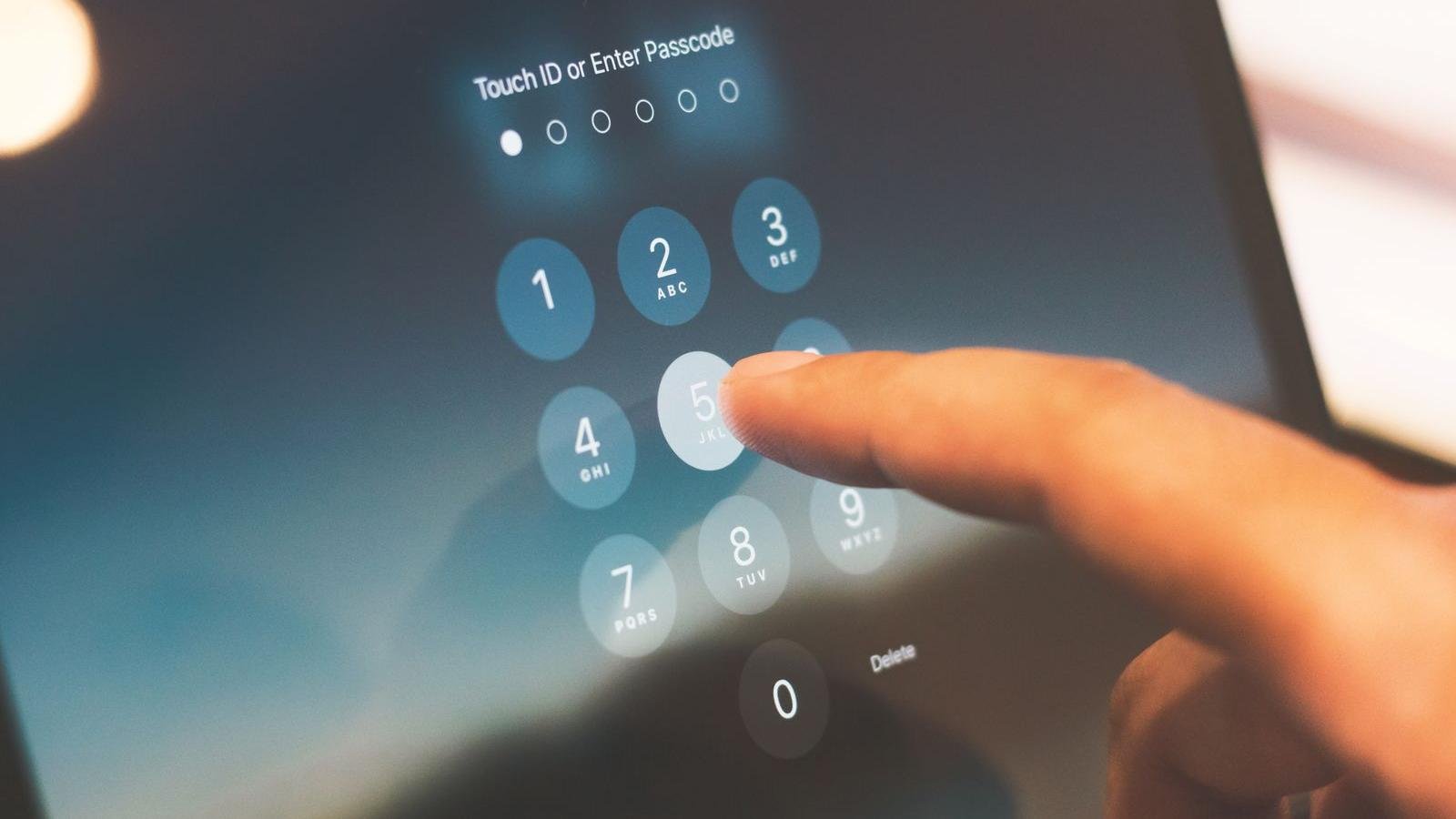
Apple's Activation Lock ties a device to the owner's Apple ID. Even after a factory reset, the next person to set it up will be asked for the original Apple ID and password. Without them, the device cannot be activated.
iCloud Activation Lock cannot be bypassed. Apple closed all known exploits. Any service claiming to unlock iCloud for a fee is a scam — they will take your money and the phone will remain locked. The only solution is the original Apple ID credentials or proof of purchase submitted directly to Apple.
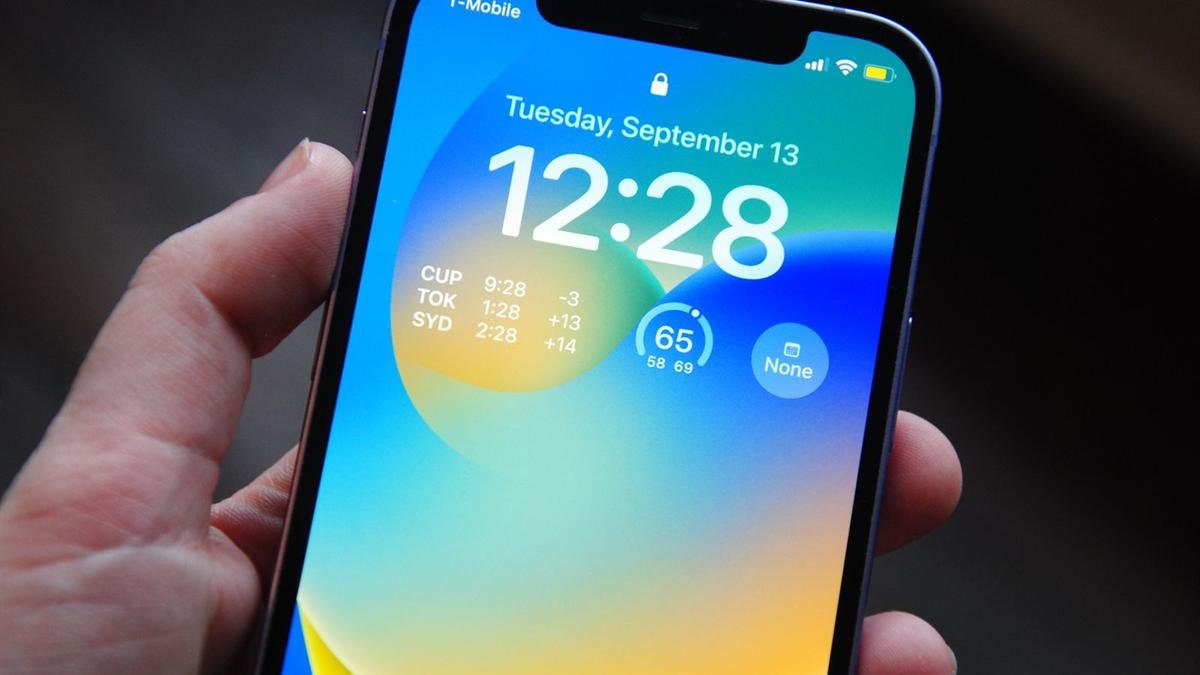
Android's equivalent is FRP — Factory Reset Protection. When a Google account is set up on an Android device, FRP is automatically enabled. After a factory reset, the phone requires the previously synced Google account to be entered before setup can continue.
FRP bypass methods exist but they're unreliable and often temporary. Google patches them regularly. If a phone is FRP locked, the right solution is to contact the seller for their credentials — not to pay someone to bypass it.
Never hand over cash for a phone you haven't seen set up clean — meaning the setup screen with no previous account attached. A legitimate seller will have no problem doing this. If a seller refuses to sign out, can't remember their password, or makes excuses — walk away.
Our phones: Every phone at Empire Wireless Mobile has been factory reset, is free of any iCloud or Google account locks, and is verified clean before it goes on the shelf.
Bring it in and we'll go over your options. And if you're looking for a clean, verified phone — come see what we have in stock.
Header photo: indra projects / Pexels.