PS5 Maintenance
Why Your PS5 Needs Proper Airflow — and Regular Cleaning
Dust and poor ventilation shorten your PS5's life. How to keep it cool and when to get it cleaned.
Dust and poor ventilation shorten your PS5's life. How to keep it cool and when to get it cleaned.
The PS5 is powerful, and it runs hot. Sony designed it with a specific airflow system that works well when conditions are right. When they aren't, you get overheating, throttled performance, loud fans and eventually hardware failure.
Two things cause most PS5 overheating problems: wrong positioning and dust buildup. Both are preventable.
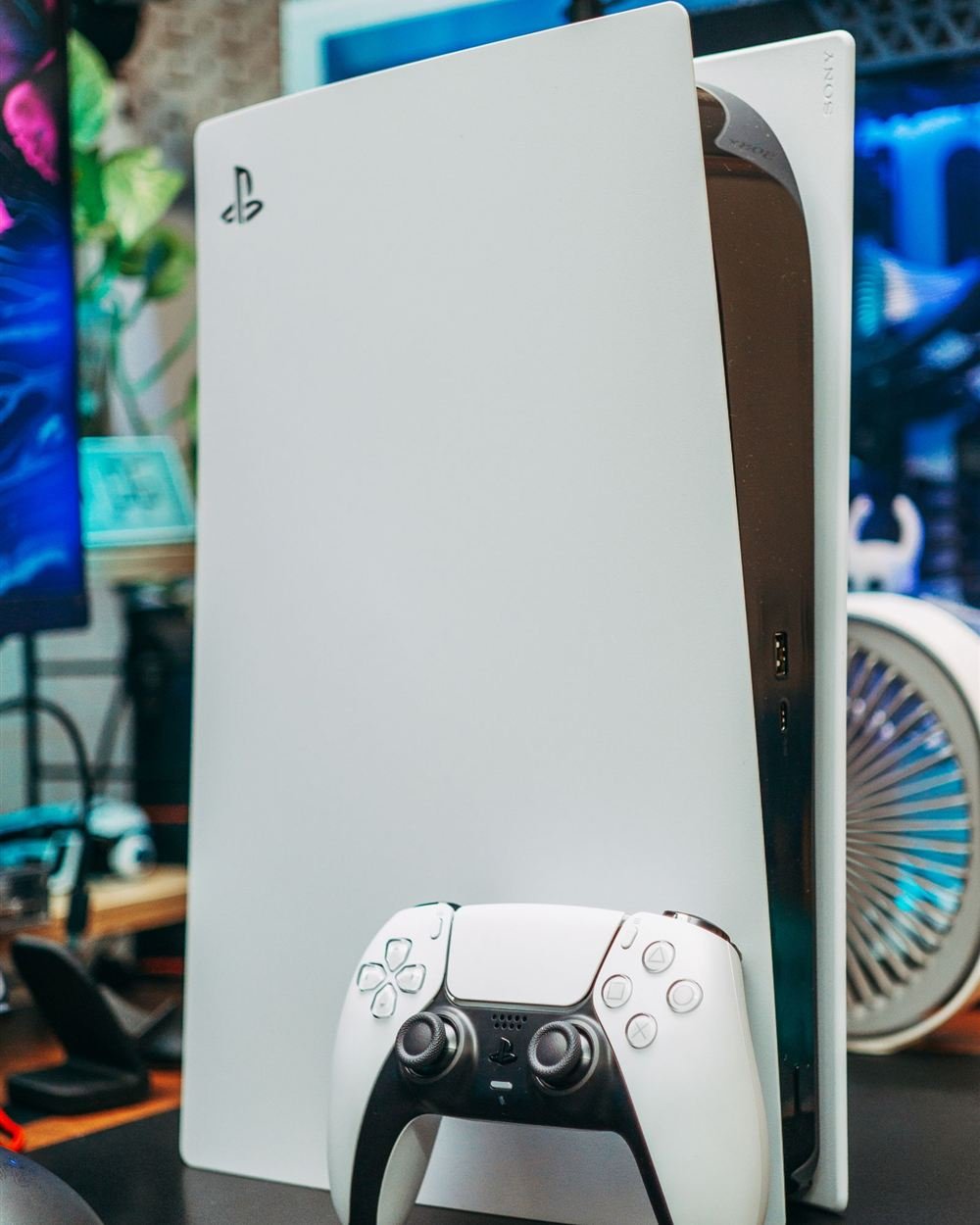
The PS5 was designed to work in both vertical and horizontal positions — Sony sells a stand for both. There's one thing about heat that most people don't know.
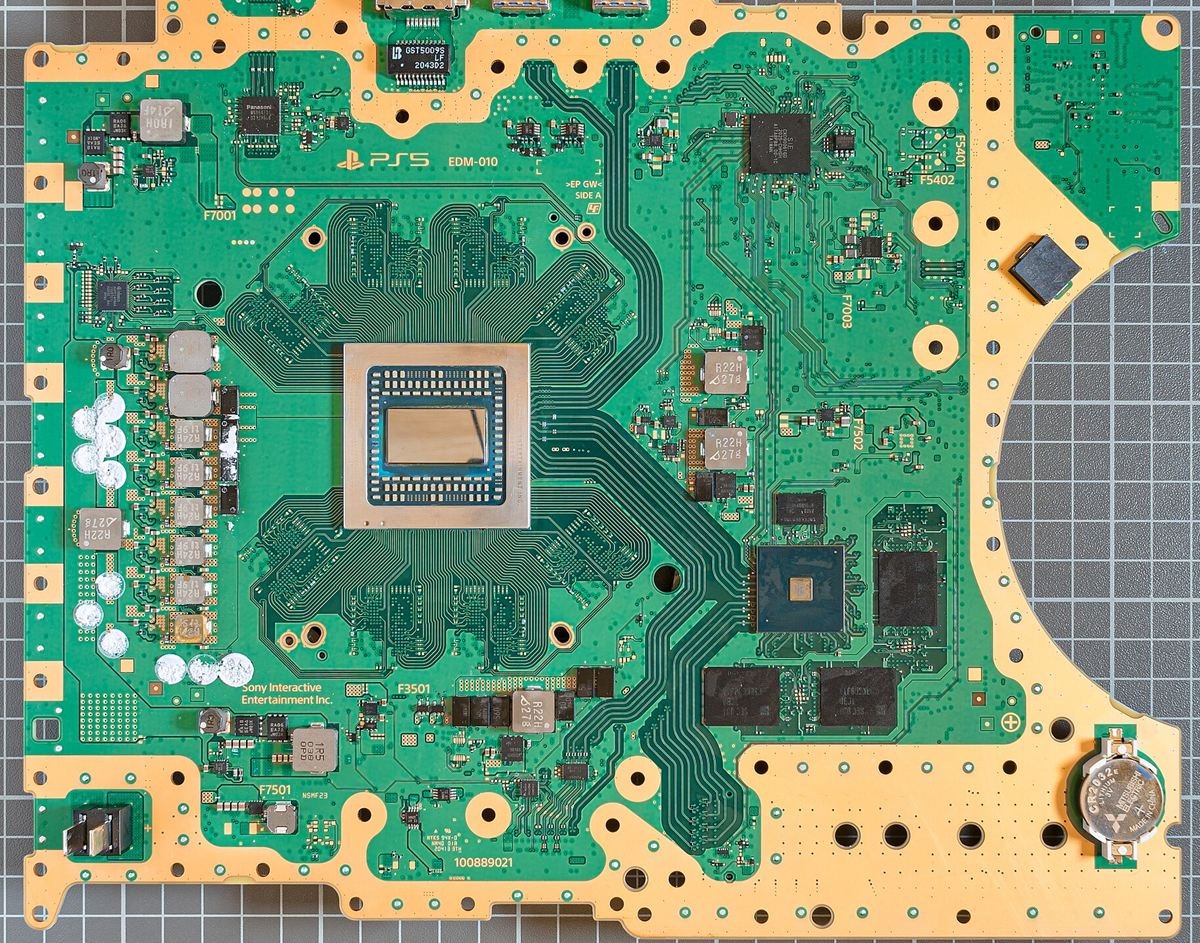
The PS5 uses liquid metal thermal compound on the APU (the main chip). Liquid metal conducts heat far better than standard paste, but it's also a liquid. Over time, in the vertical position, gravity can cause the liquid metal to slowly migrate away from the center of the chip, reducing thermal efficiency and eventually causing overheating.
Sony's own guidance: Sony recommended that users keep the PS5 horizontal after reports of liquid metal migration issues emerged. While both positions are technically supported, horizontal is the safer long-term choice for the health of your console.
Regardless of orientation, dust accumulation is inevitable. The PS5 pulls air in through vents on the sides, pushes it over the heatsink, and expels it through the rear. Over months of use, dust collects on the heatsink fins, blocking airflow.
When airflow is restricted, the APU temperature rises. The PS5 responds by spinning the fan faster (that's the jet-engine sound you hear). Eventually it hits thermal limits and throttles the CPU/GPU to reduce heat — which means lower performance. In severe cases it will shut down entirely to prevent damage.
You can do a basic external cleaning yourself — use a can of compressed air to blow through the vents (do this outside or it goes everywhere). This removes surface dust but doesn't address buildup deep in the heatsink fins.
A proper internal cleaning requires disassembly. On the PS5, this means removing the faceplates, accessing the fan and heatsink, and cleaning the fins with compressed air and a brush. It's doable for a careful person, but one wrong move can damage the liquid metal application or dislodge cables.
Our recommendation: External air blast every 3 months. Professional internal cleaning every 12 months, or sooner if you notice any of the warning signs above. A cleaning at our shop costs $40–60 and takes about an hour.
Prolonged overheating degrades the APU and other components. In worst-case scenarios the liquid metal can corrode the chip substrate, causing permanent damage. We've repaired PS5s at our shop where severe dust buildup had throttled performance to a fraction of what it should be. After a cleaning the console is quieter, cooler and runs better.
Book a professional cleaning at 876 Danforth Ave. We'll open it up, clean the heatsink, check the thermal compound, and have it running cool and quiet again.
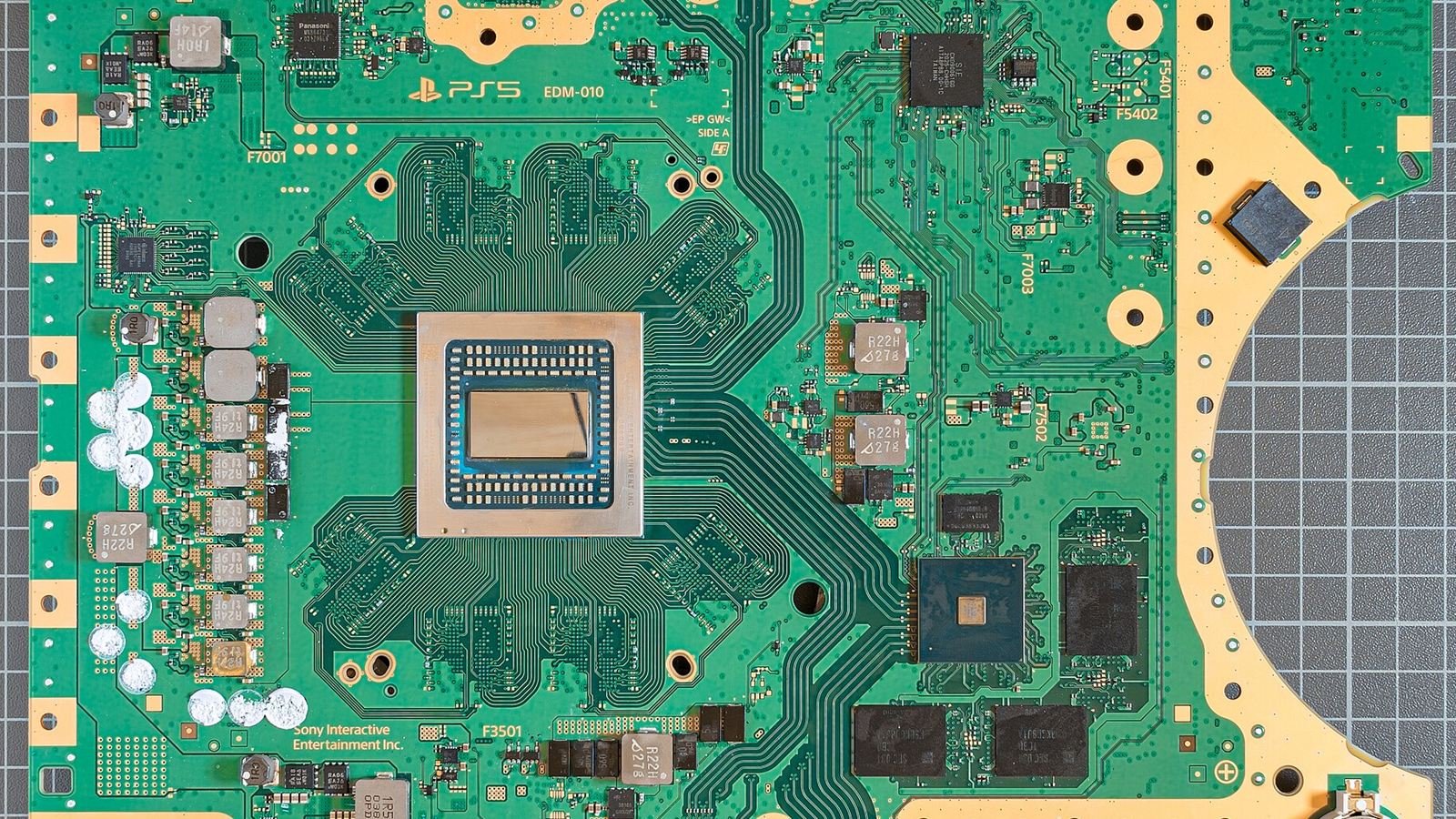
Header photo: Fritzchens Fritz / Wikimedia Commons (CC0).